.png)
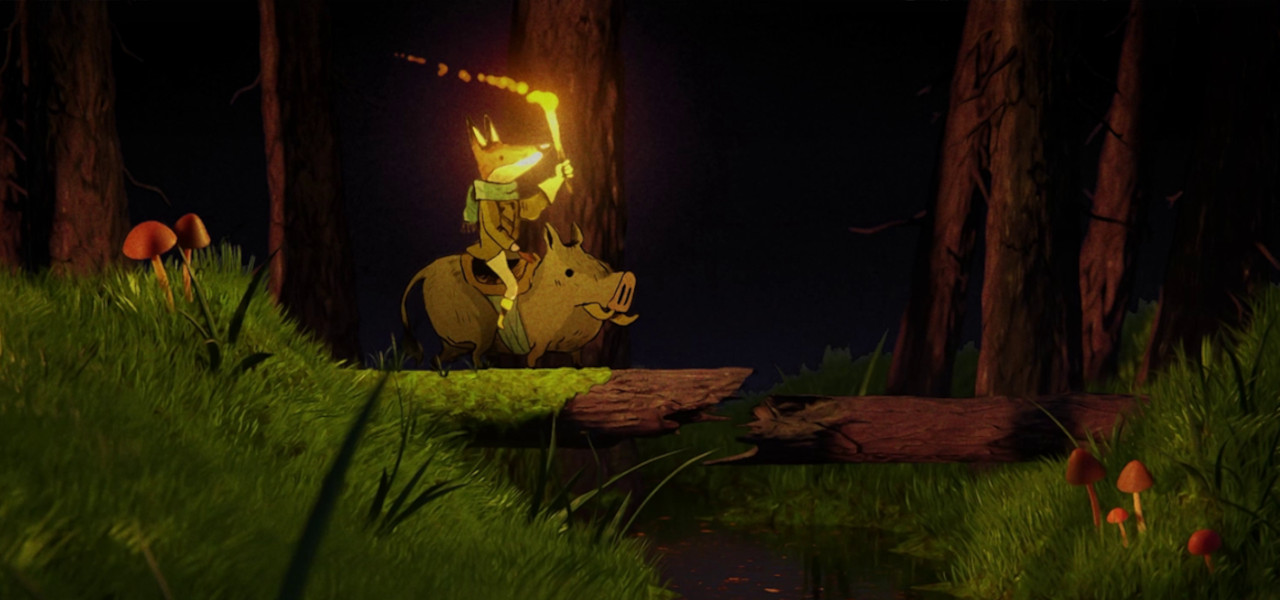
No AI, Perpetual License, Developed By Artists: Moho’s Free Side Quest Update Now Exports 2D Characters To Unity, Unreal, Godot, And Blender
Moho has quickly become a favorite in the animation industry thanks to its powerful manipulation tools, impressive boiling brushes, simple interface, and fast performance.
2D rigs can be created directly in Moho using its vector tools optimized for animation, or imported as fully layered PSD files created in software like Photoshop, Clip Studio Paint, or Procreate.
With the free Side Quest update for Moho 14 owners, game developers and 3D artists will also be able to take advantage of its power.
No AI, Perpetual License, and Developed by Artists
With economic trends adding AI everywhere — even to art and creative disciplines — and with abusive subscription prices, Moho is taking a distinct approach. Moho has no AI, its license is perpetual rather than subscription-based, and if a new paid version is released, no artist will be forced to upgrade. “It’s our responsibility as developers to improve the software and, with those improvements, hopefully make artists happy to upgrade,” says Victor Paredes, animator and co-owner of Moho.
Moho and Blender: The Best of Both Worlds
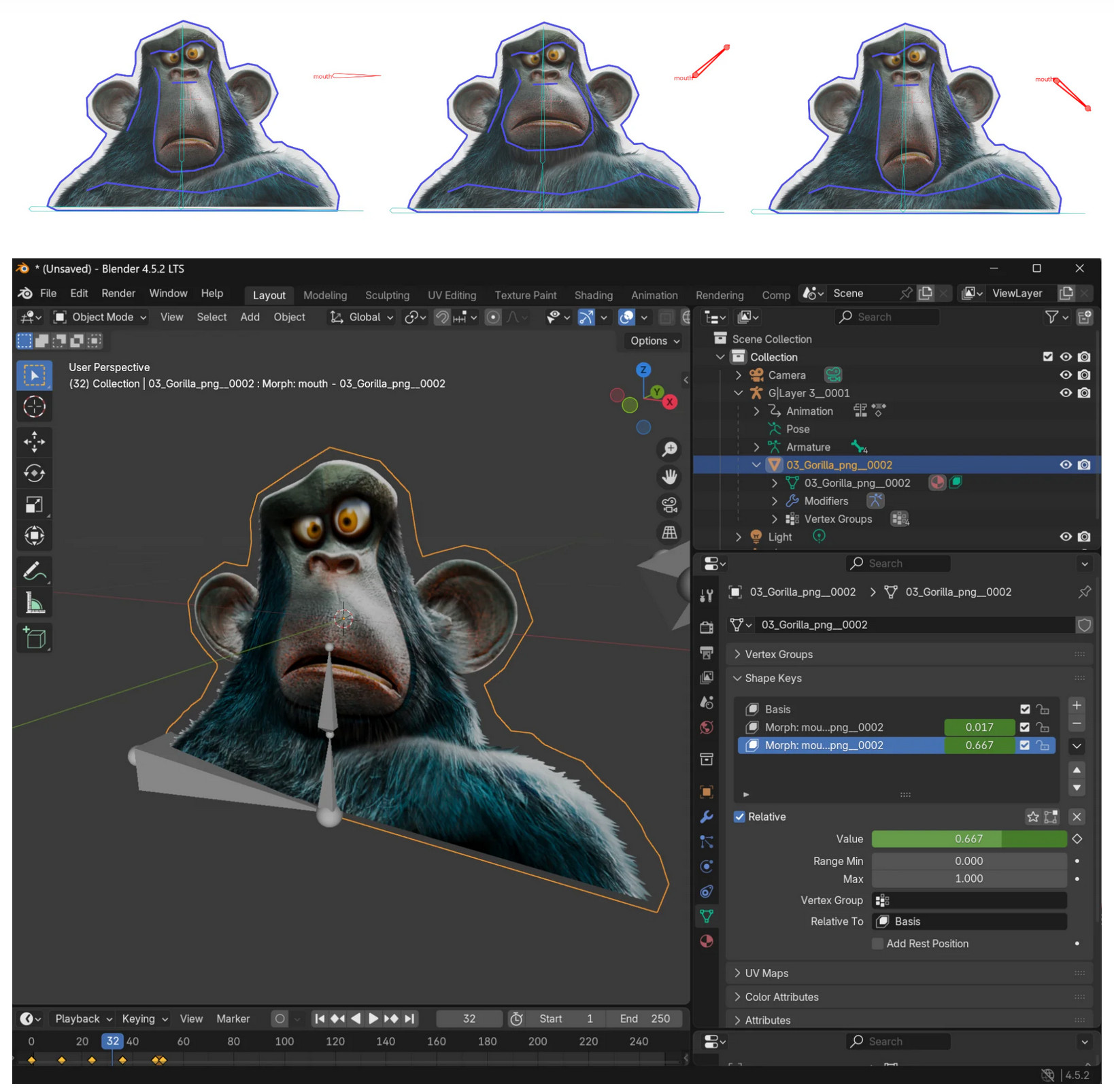
Moho 14.4 SIDE QUEST can export entire rigs and animations to the glTF format. This is a standard file format for 3D models, making it highly compatible not only with game engines but also with 3D software, including Blender.

The glTF format serves as a bridge that connects Moho’s quick and intuitive rigging and animation system with the power and depth of 3D software like Blender.
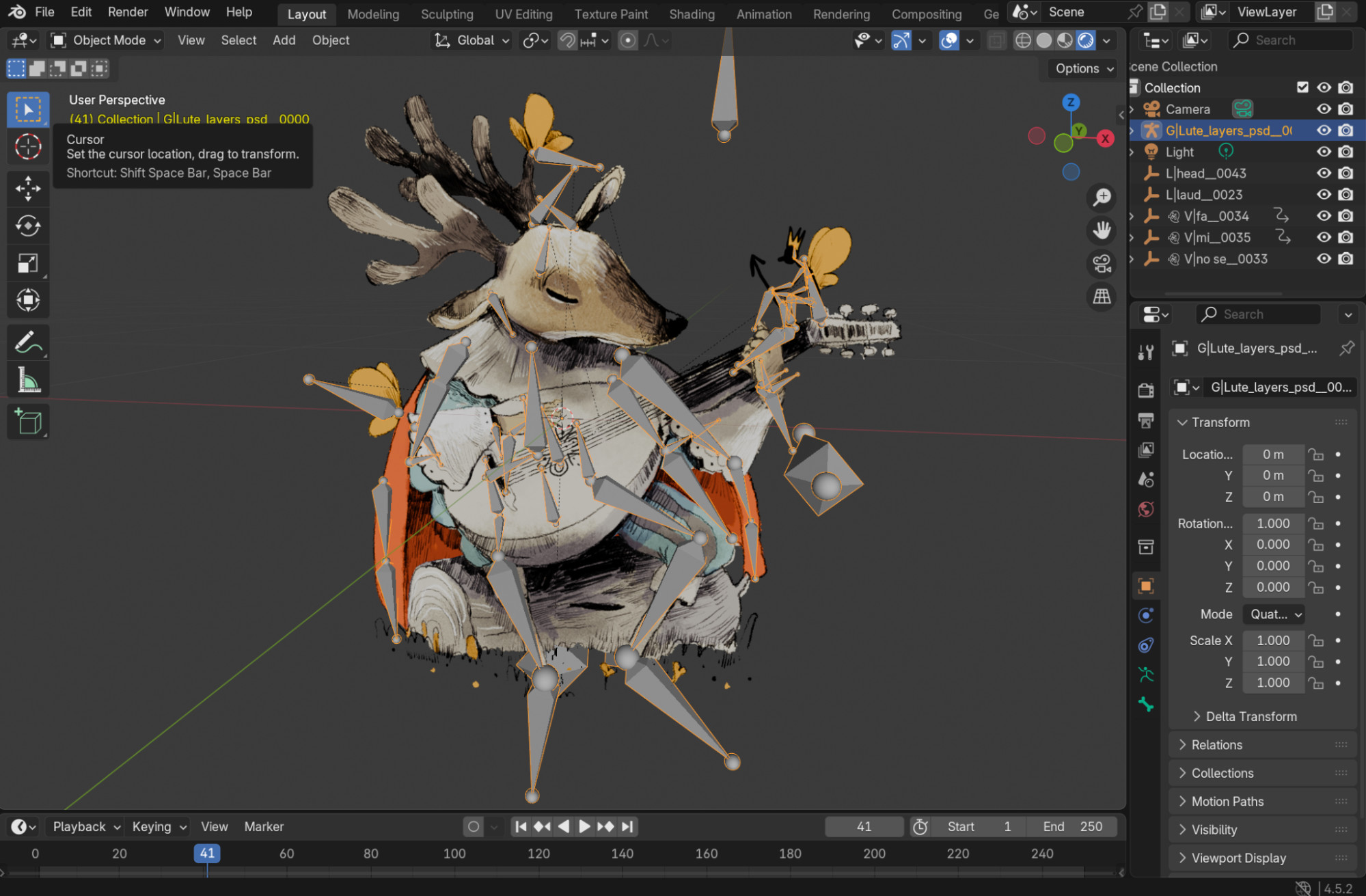
3D artists can now take advantage of Moho’s intuitive rigging and animation tools to quickly rig and animate high-quality 2D characters—whether drawn directly in Moho or imported from applications such as Clip Studio Paint or Photoshop. Those rigs can now be integrated into 3D pipelines.
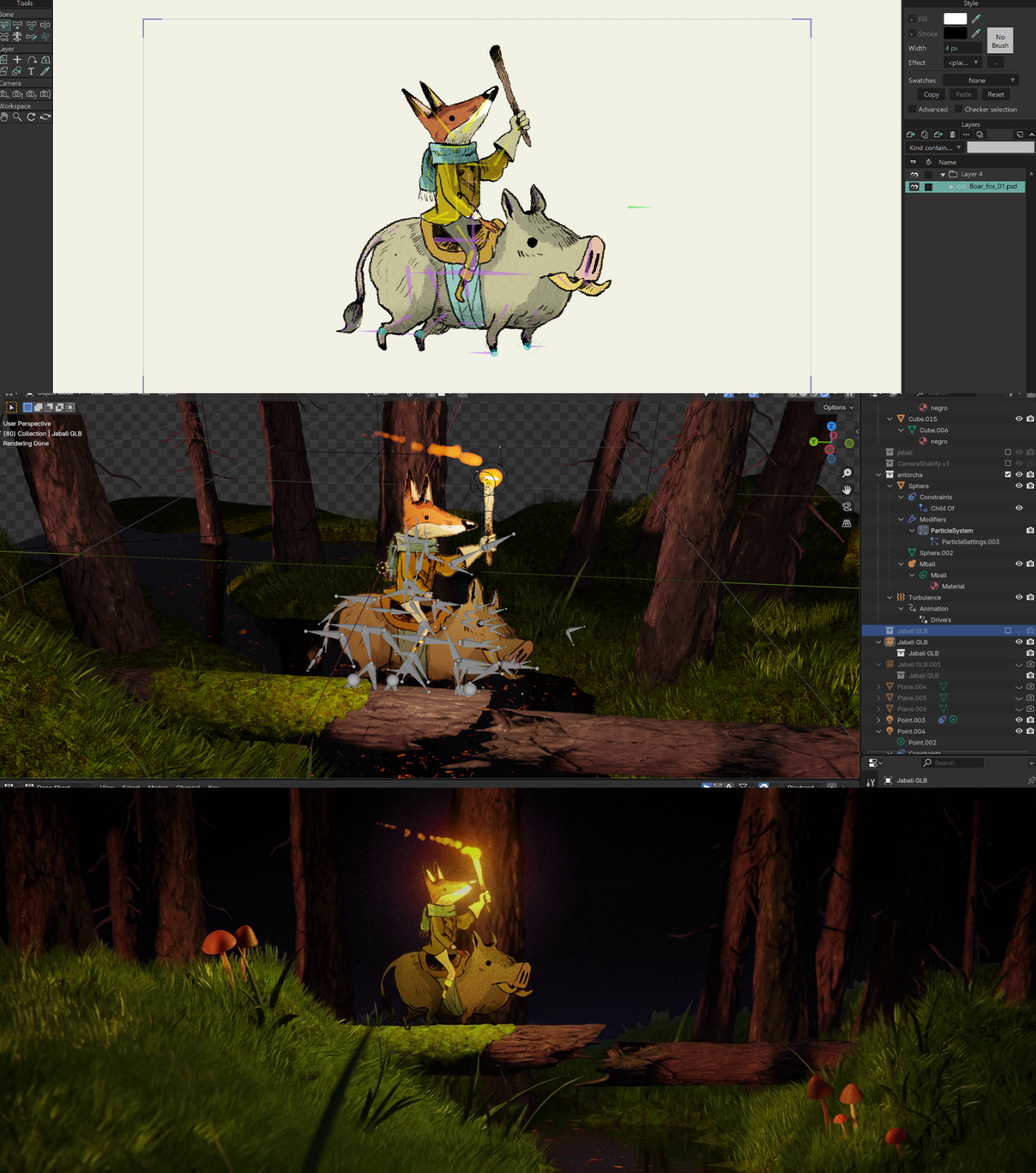
Double Jump: Videogame Animation More Intuitive Than Ever
Characters exported from Moho can be used in game engines such as Unity, Unreal, and Godot. The glTF format allows Moho rigs to keep their entire skeleton structure, their main animation, and as many actions as needed (such as Walk, Run, Jump, Idle, etc.). Even unique features like Smart Bones can be used in conjunction with Smart Warp meshes to generate Shape Keys and Morph Targets.

All these features can be mixed in the video game to give total control to the player and smooth movement transitions.
More Features for Animators
Moho Pro 14.4 also includes several new features and quality-of-life improvements, such as 360º Smart Bones, an enhanced Particle System, quick ways to recolor entire projects, easier cycle creation, and more.
For more information on Moho, visit the official website.