.png)


Award-Winning 2D Animation Tips From The 2024 Cartoon Animator Contest
The 2024 2D Animation at Work Contest left organizers with a collection of fascinating entries. This time, star Cartoon Animator lecturer Mark Diaz hand-picked nine award-winning animation techniques demonstrated by three contest winners:
- Stephen Townsend, 1st place (Business & Commercial)
- Sasapitt Rujirat, 2nd place (Comic & Art)
- Weronika Posemkiewicz, Honorable Mention
Technique 1: Creative Rigging
Mark began by generating a stylized samurai using ChatGPT. He then broke the image into parts—arms, legs, torso, and head. Each piece was cleaned and exported from Photoshop as individual PNG files.
Inside Cartoon Animator, he imported the parts and placed them at different z-depths so that, in 3D view, all parts were positioned separately. From the correct camera angle, the elements merged into one cohesive picture.
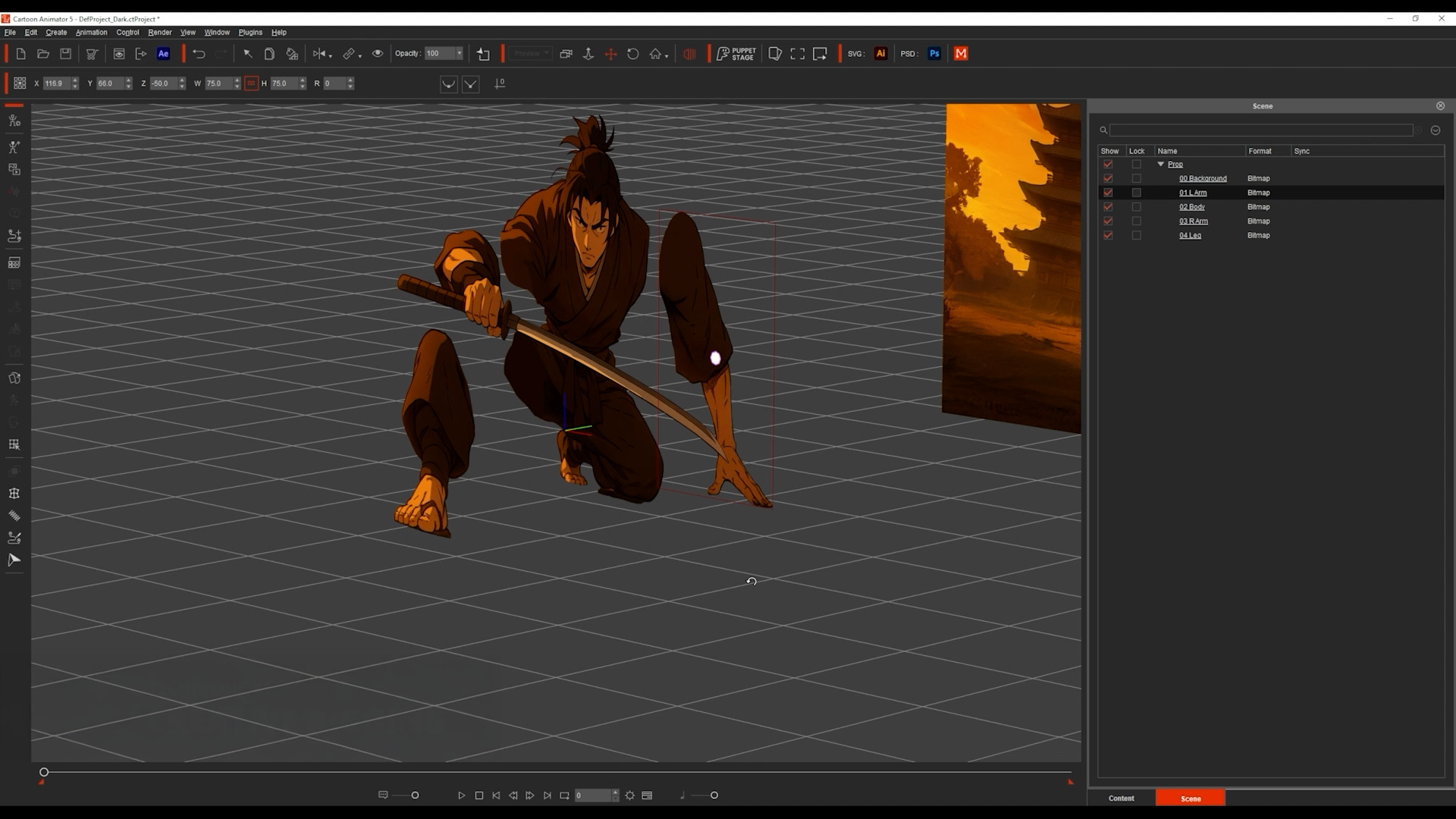
He then animated the samurai using the Transform Tool for large movements and the FFD (Free Form Deformation) Tool to simulate depth, making the character appear to step toward the camera. What began as a flat image became a dynamic warrior in motion.
Technique 2: Instant 3D City
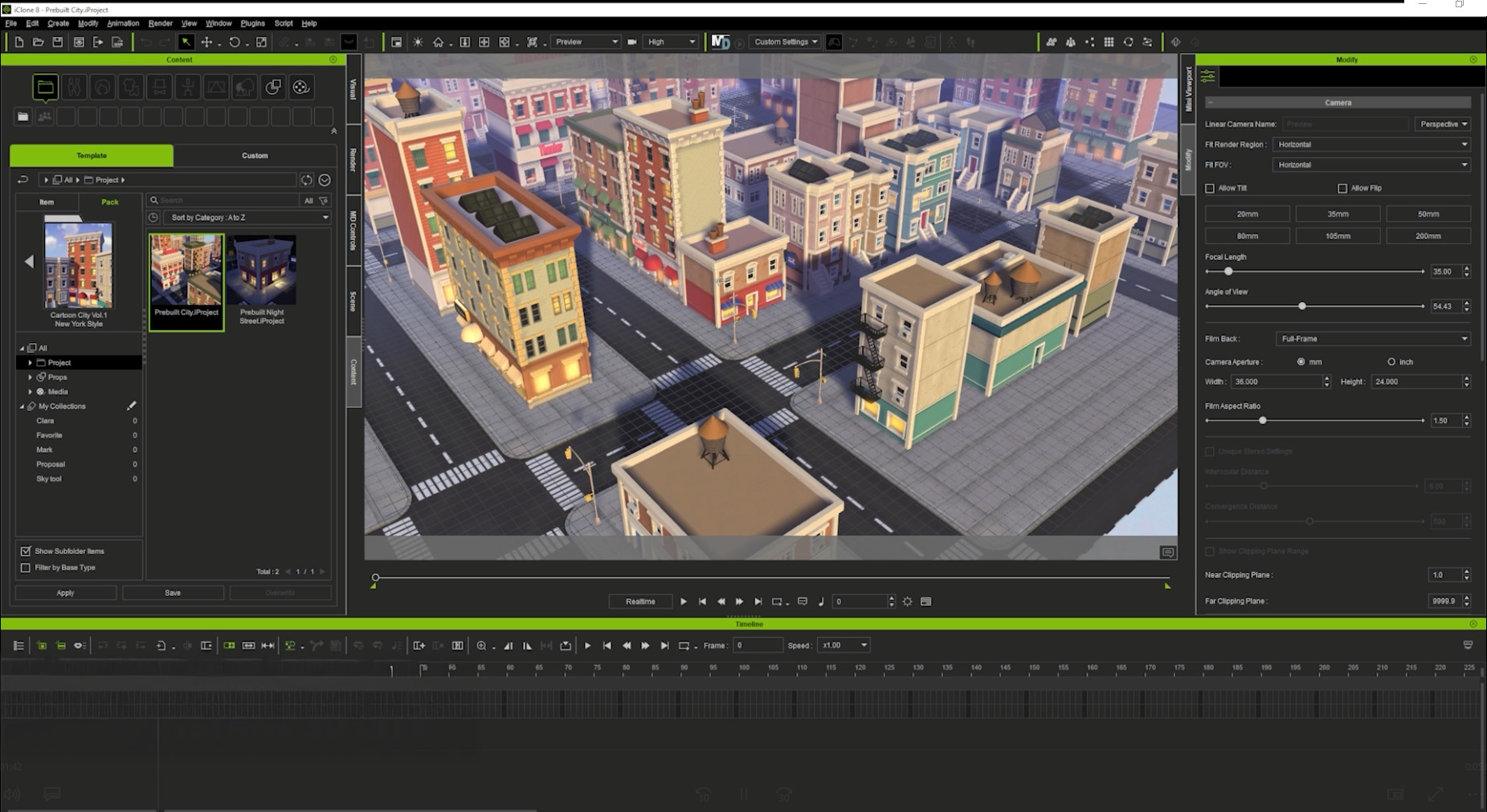
Stephen, the contest winner, modeled a full city from scratch — an impressive but time-consuming endeavor. Mark demonstrated a faster shortcut using iClone with pre-built 3D assets. By simply dragging and dropping elements, he could create a full city in seconds. He took screenshots from different angles and instantly had a complete set of city backgrounds.
Technique 3: Motion Pilot for Drone Animation
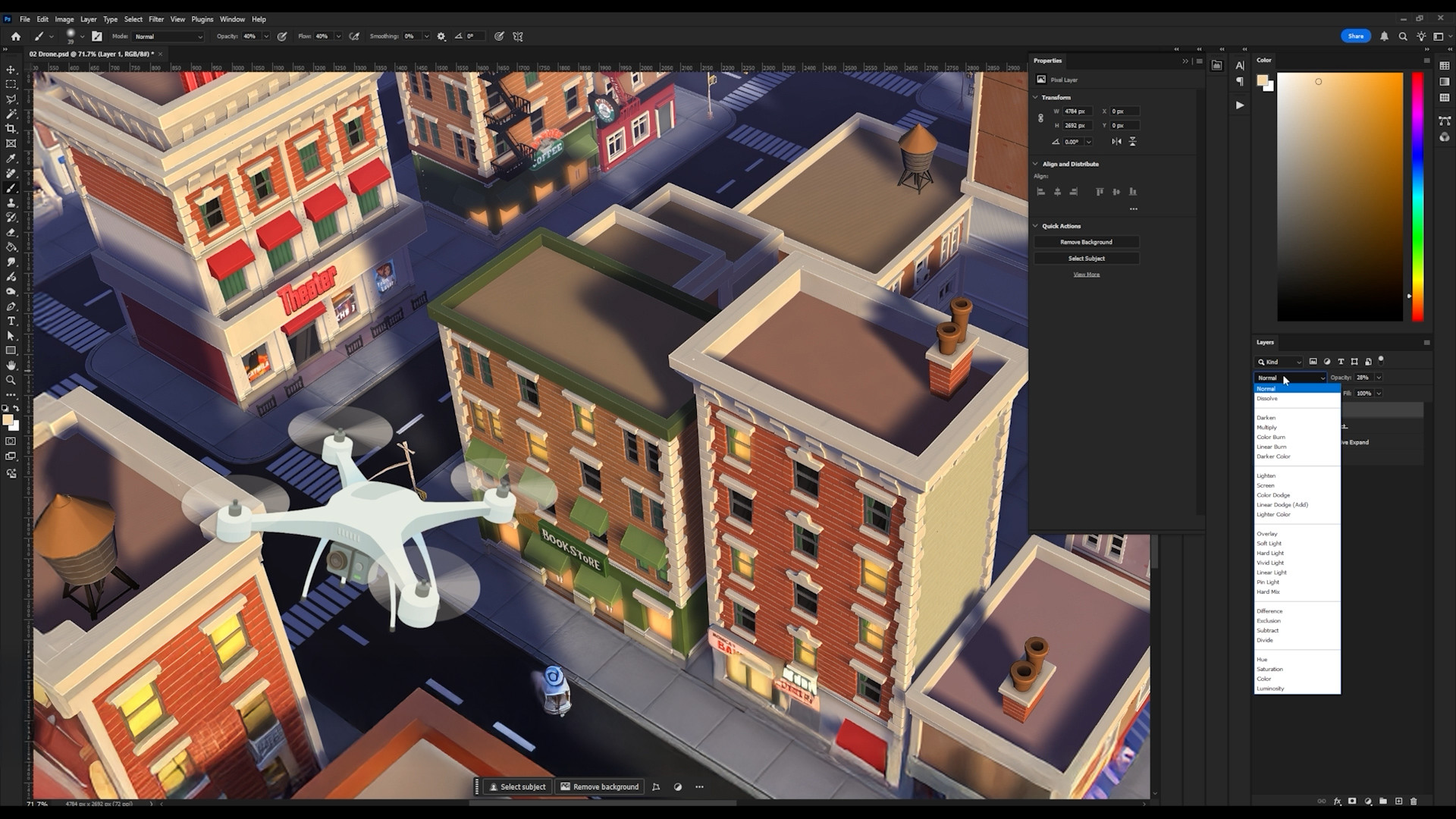
Mark started with a drone image from Freepik and adjusted its perspective in Photoshop. To match the scene, he added a warm tone to the drone, encouraging others to customize their versions.
In Cartoon Animator, he animated the background using a Transform Tool and used Motion Pilot to control the drone. By disabling the face cursor, increasing the Y-axis depth, and recording the mouse movement, he achieved a smooth, cinematic drone flight—no complex keyframes required.
Technique 4: Paths for Car Traffic
Understanding that not everyone has iClone or time to learn Blender, Mark visited Sketchfab, found a cartoony city scene, and took a screenshot. He layered the scene like a sandwich — road on the bottom, cars in the middle, and buildings on top.
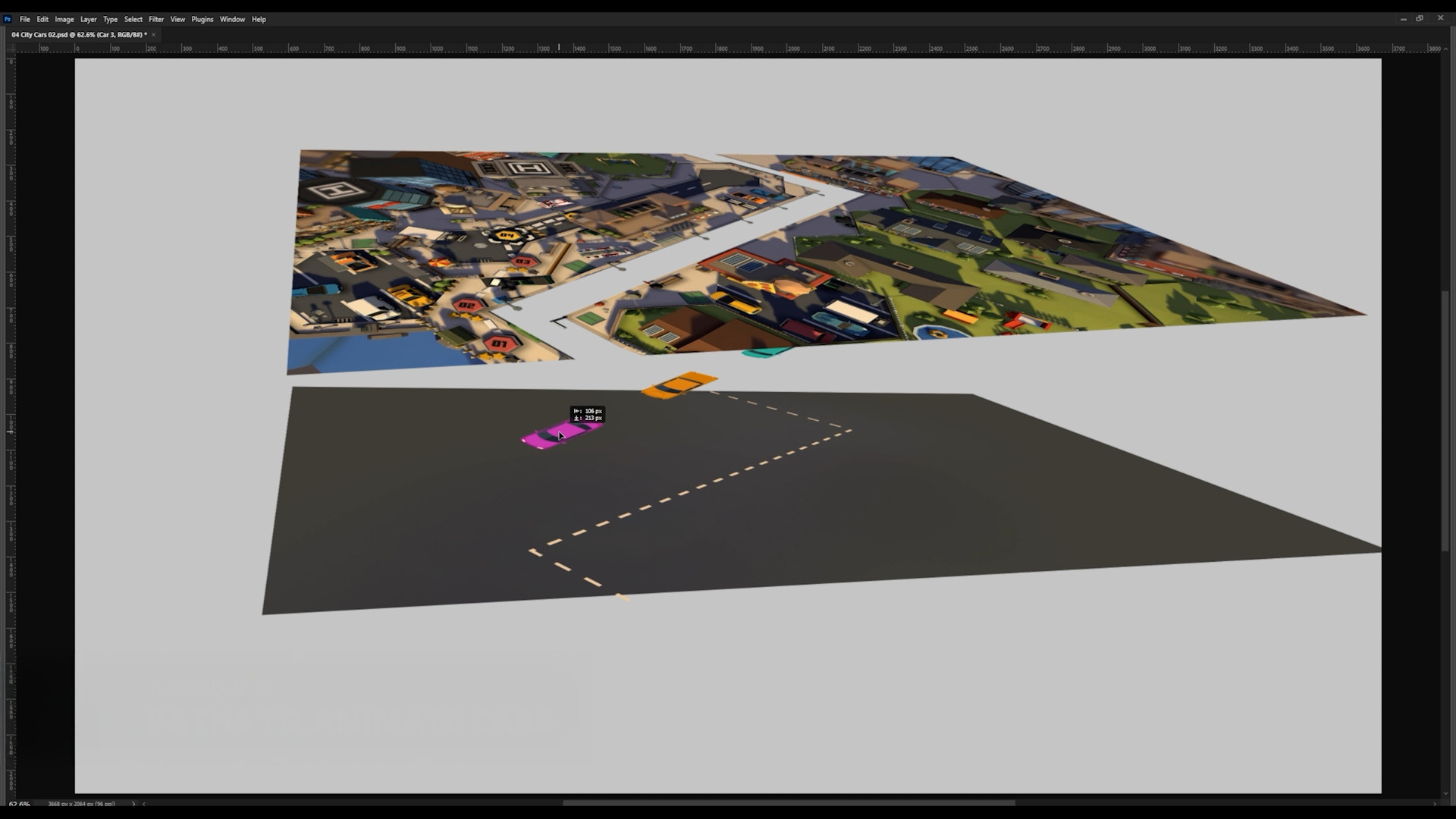
He added a shadow layer between them so cars could pass underneath, enhancing realism. One car was animated with the Path Tool, duplicated, and staggered to create a flowing traffic scene. The result: an easy-to-animate, vibrant city full of movement.
Technique 5: Motion Pilot for Flock Animation
To simulate motion in space, Mark started with a starry background and drew a single star. In Cartoon Animator, he duplicated it many times, enabled Motion Pilot’s flock mode, and set a uniform delay.
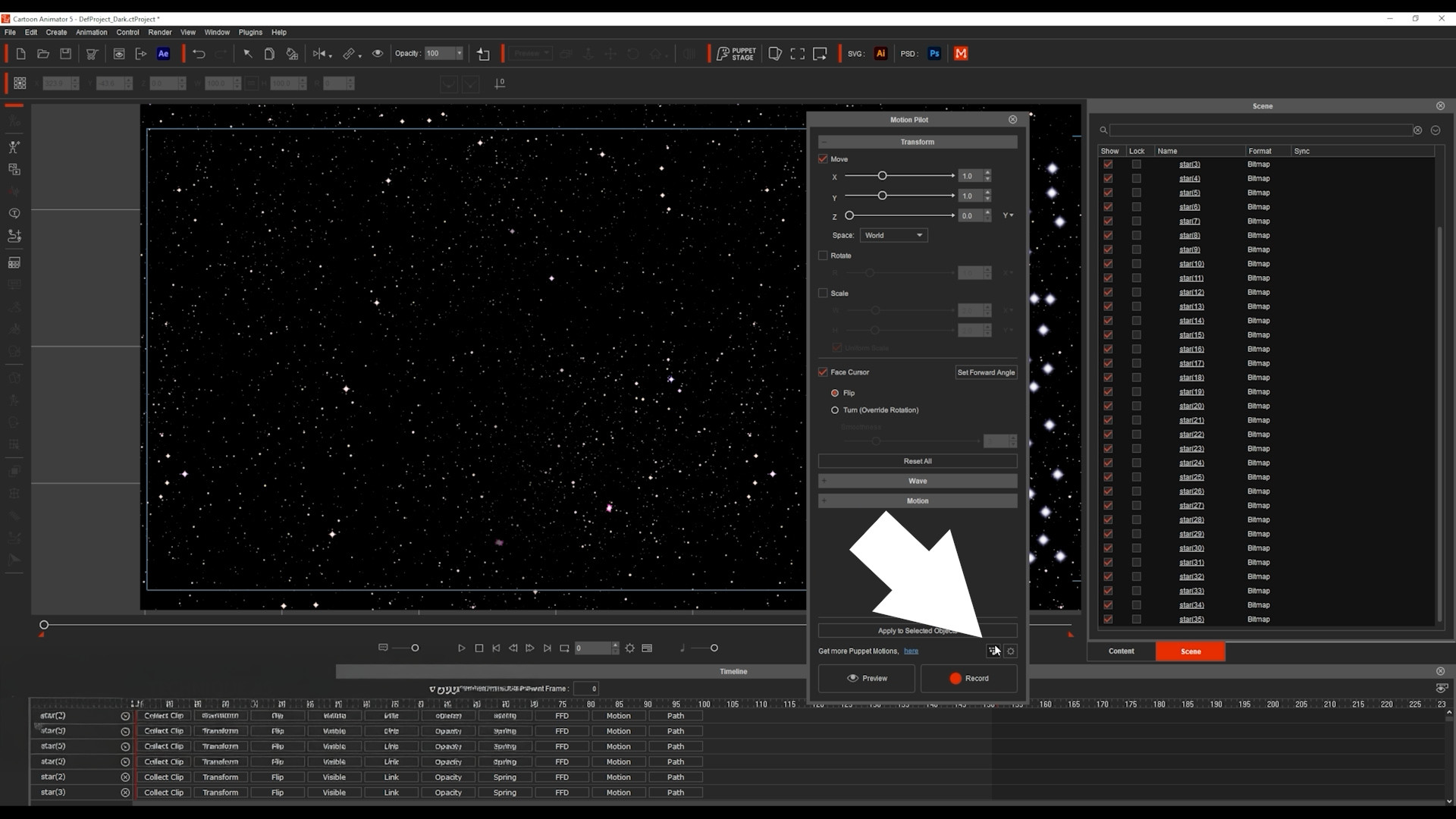
By moving his mouse, all stars followed in formation, creating a parallax flight effect. He added a spaceship, also animated via Motion Pilot (with “Face Cursor” disabled), producing an exciting, dynamic space chase.
Technique 6: 360 Head Masking for Phone Scroll Animation
This clever idea came from Stephen’s entry. Mark used an illustration of hands holding a phone, separating the thumb and screen layers. Inside Cartoon Animator, he repurposed the masking feature — normally used for facial rigs—to contain the scrolling screen inside the phone.

He animated the thumb flicking up and down while the content scrolled behind it. The result: a realistic scrolling motion powered by Cartoon Animator’s face-masking system.
Technique 7: Masking for Classroom Scene
Mark split a flat classroom illustration into two layers: the chalkboard and the rest of the room. This turned the board into a window. Behind it, he added animated content — like apples appearing during a math lesson.

Using an AI-generated voice from ElevenLabs, he added lip-sync animation in Cartoon Animator and combined it with pre-made motion clips. With just a few layers and smart masking, he created a lively classroom scene that feels like a real animated lesson.
Technique 8: Enforcing Background Consistency with 3D
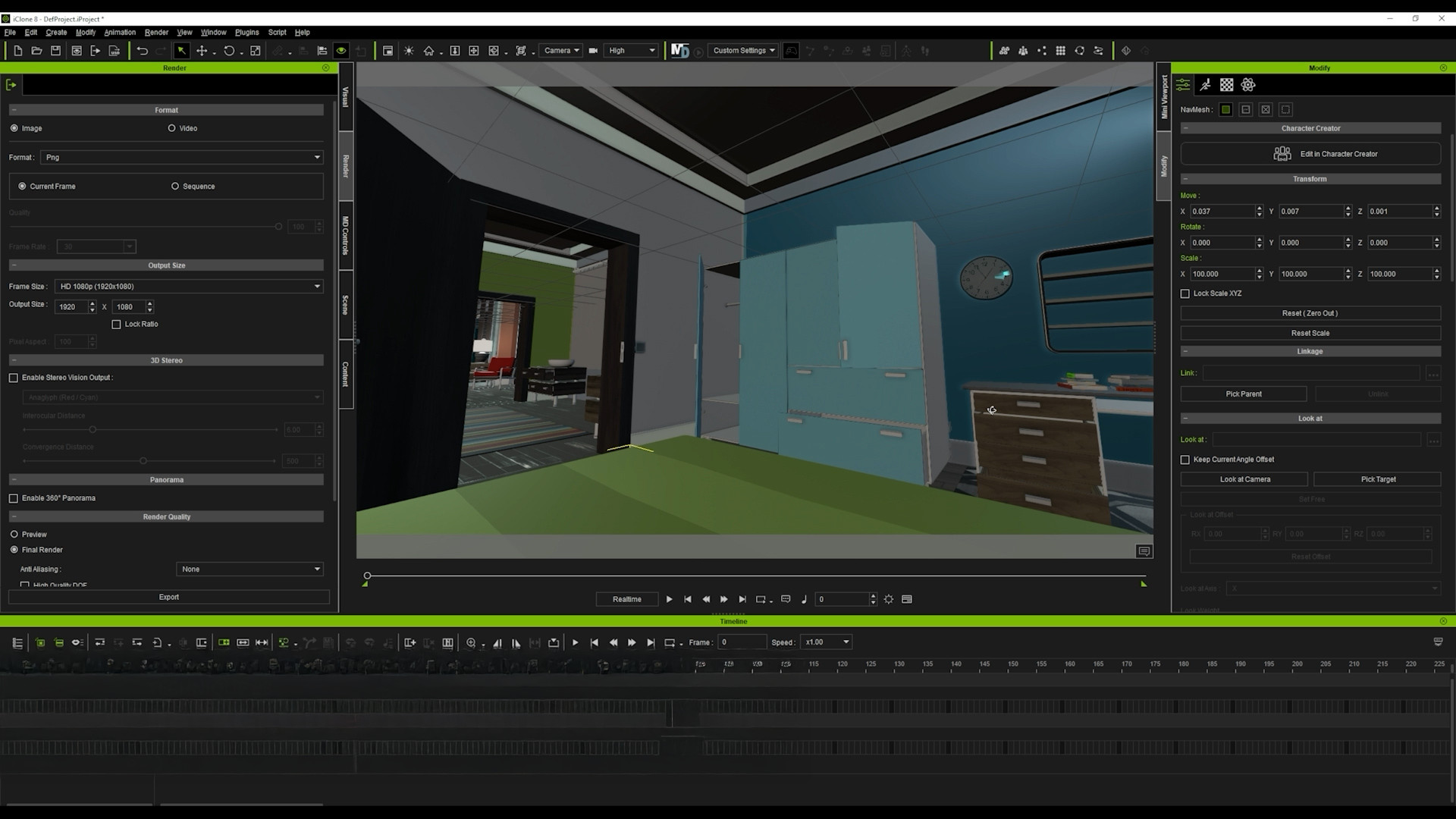
For multiple camera angles in a consistent environment, Mark noted that learning Blender could take days—but iClone offers a faster solution. He selected a pre-built 3D set, positioned several cameras, exported images from each angle, and processed them through an AI tool to convert them into matching cartoon backgrounds. The result: consistent, stylized scenes completed in minutes, not days.
Technique 9: Creative Use of FFD
Mark found an image of gooey slime and imagined a character interacting with it. After isolating the slime in layers, he drew a long slime trail and a thicker base layer, then imported both into Cartoon Animator.
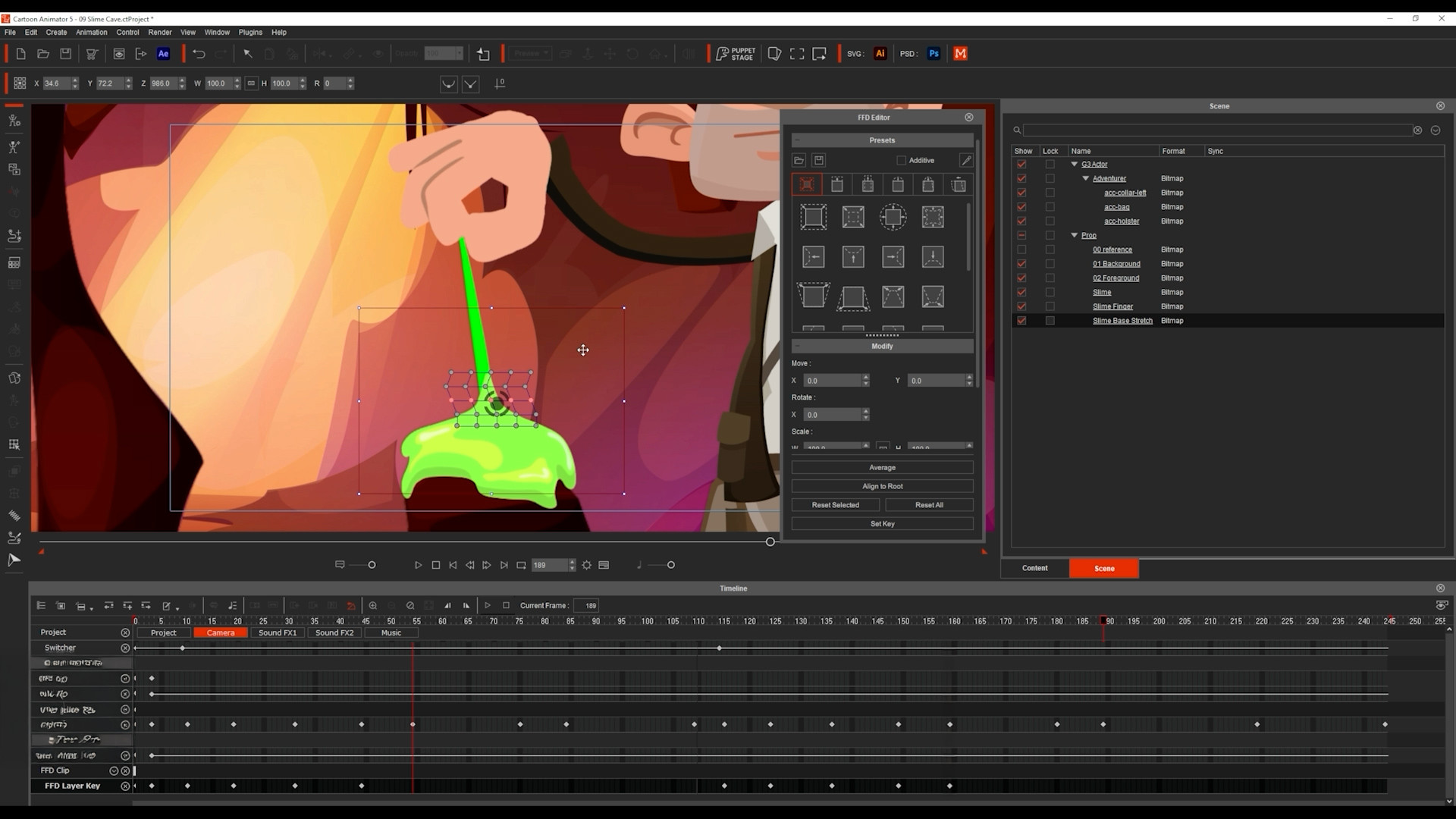
Using Free Form Deformation (FFD), he animated the slime stretching and bouncing as the character moved through the scene. With just two layers and the FFD tool, he created the illusion of sticky, dynamic slime interaction.
Conclusion
Mark encourages animators to download the free Cartoon Animator trial and bring their first animation to life using these techniques. For those who want to dive deeper, he hosted a full webinar breaking down each step in detail.
He extends special thanks to Stephen Townsend, Sasapitt Rujirat, and Weronika Posemkiewicz, whose talent and generosity inspired this showcase. To support them, Mark suggests liking and sharing their work with friends and family.
For more information, visit the official contest page for full details.
About Mark Diaz of 2DAnimation101
Mark Diaz is the CEO and Founder of 2DAnimation101, dedicated to teaching animation and drawing to over 52,000 students worldwide.
He is also a TED Talk speaker (“Can Anyone Become a Genius?”) and has experience as a short film director and editor for Autumn Leave Films. Passionate about both animation and education, Mark continues to inspire creators through practical, creative tutorials and online instruction.